Glenn Luck

AI Automation · Custom AI Tools

I build AI tools and automations that take repetitive work off small teams, and I design them so people want to use them. Four builds below. Spin the ring or scroll.

Drag to spin · Click a card to open it

Personal project · In daily use

Gloë

A home app for the whole household, used every day.

Gloë runs our house: shopping, chores, meal planning, a family calendar and a stock tracker that predicts when things will run out.

Snap a supermarket receipt and Claude reads every line, matches each one to the household's items and shows a confirm screen before anything is logged.

The built-in assistant turns plain English into actions, like “add milk and eggs, and put fixing the gate on my list”. Every change it makes is recorded, so any of them can be undone.

  • Claude API
  • Vision
  • Tool calling
  • React
  • Supabase
  • Vercel

Self-initiated · Field management platform

Grayline Landscapes

Run the business by asking for what you need.

A field management platform for a landscaping business: jobs and quotes, crew scheduling, invoicing, clients, staff and vehicles, with a live dashboard on top.

The AI assistant answers questions like “who owes us money?” and takes actions in plain English: chasing overdue invoices, invoicing a finished job, booking a job with whoever's free. It shows exactly what it's about to do and waits for a yes before anything changes.

The live demo runs on a made-up company with sample data. It resets on refresh, and emails and texts are previewed, not sent, so try anything.

  • Claude API
  • AI agents
  • Tool calling
  • React
  • Supabase
  • Vercel

Self-initiated · Enquiry-to-quote automation

Ironbark Hall

A venue enquiry read, priced and answered before anyone opens the inbox.

Ironbark Hall is a made-up function venue I built to show a full enquiry-to-quote automation in n8n. It starts when someone fills in the form on the venue's site with a casual message like “keen to do a 40th in March for about 60, budget around 5k”.

Claude pulls out the event type, date, guest numbers and budget, and leaves anything missing blank rather than guessing. If details are missing, it drafts a short email asking only for those. If not, the workflow checks the venue's Google Calendar, offers nearby dates if the day is taken, prices the event from a pricing table and drafts the quote, with a cheaper option when it's over budget.

Nothing goes out until the owner approves it by email. If the lead hasn't moved in three days, one polite follow-up goes out.

  • n8n
  • Claude API
  • Google Calendar
  • Gmail
  • Webhooks
  • Human approval

Client: Unified Music Group · Bubble.io

Merge

A self-service booking platform, from first brief to launch in two months.

Merge was the live touring arm of Unified Music Group. I was the only person on the platform: I ran the requirements workshops, mapped the booking process, designed the brand, built the product in Bubble.io, ran user testing and wrote the documentation.

The launch campaign brought 500+ artist fans through the booking platform, 30 artist applications and one international booking.

It isn't AI, but it's the same job: learn how a business works, then build the tool that runs it. The clickable demo rebuilds the core flow on sample data: applications on a map, chat with hosts, the deposit and private ticket pages.

  • Bubble.io
  • Requirements
  • Workshops
  • User testing
  • Brand identity
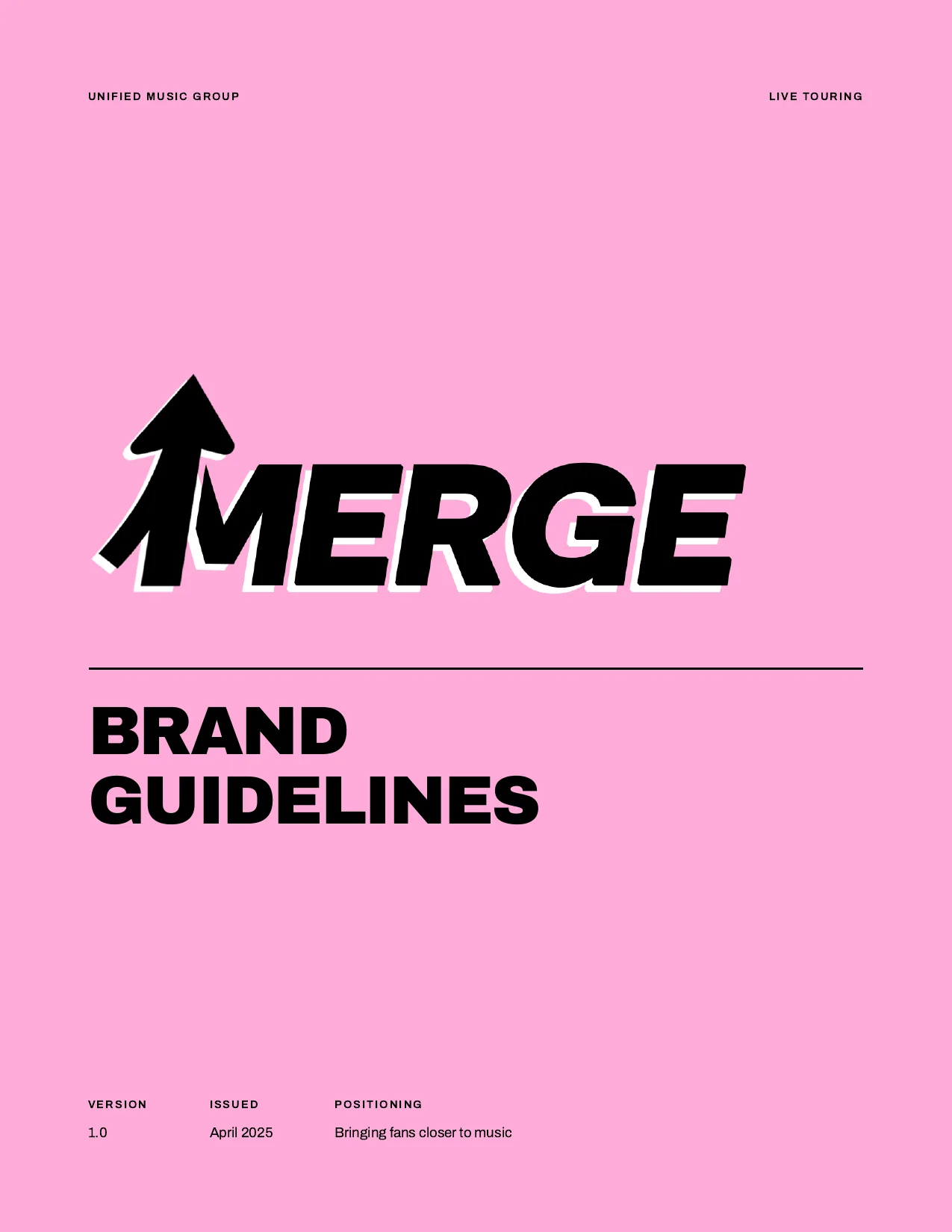
Merge brand guidelines, cover
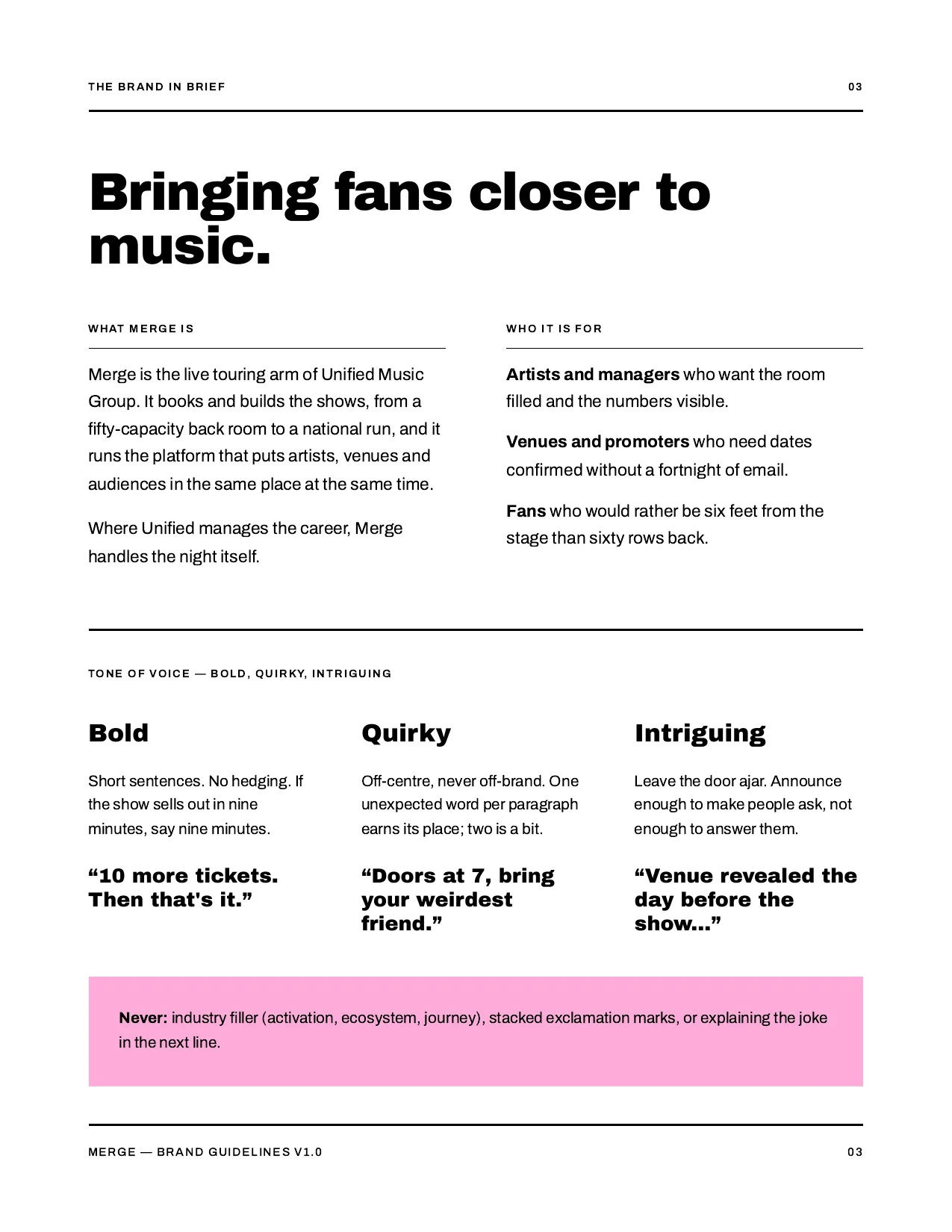
Merge brand guidelines, inside page

How I work

Operator first, builder second

Before this I spent ten years running operations and marketing in live music and events, co-founding Parlour Gigs and running operations for Sofar Sounds across twelve cities. I know where processes break because I ran them.

  1. Map the process

    Talk to the people doing the work and find the step that keeps breaking.

  2. Build the smallest useful thing

    A workflow or tool that fixes that step, in n8n, Zapier or a custom app.

  3. Keep a person in charge

    AI drafts and suggests. A person approves anything that goes out.

  4. Make it look finished

    Clear screens and branded emails, so people actually use it.

Glenn Luck

glenn.c.luck@gmail.com  ·  0400 580 193  ·  Melbourne

Back to top